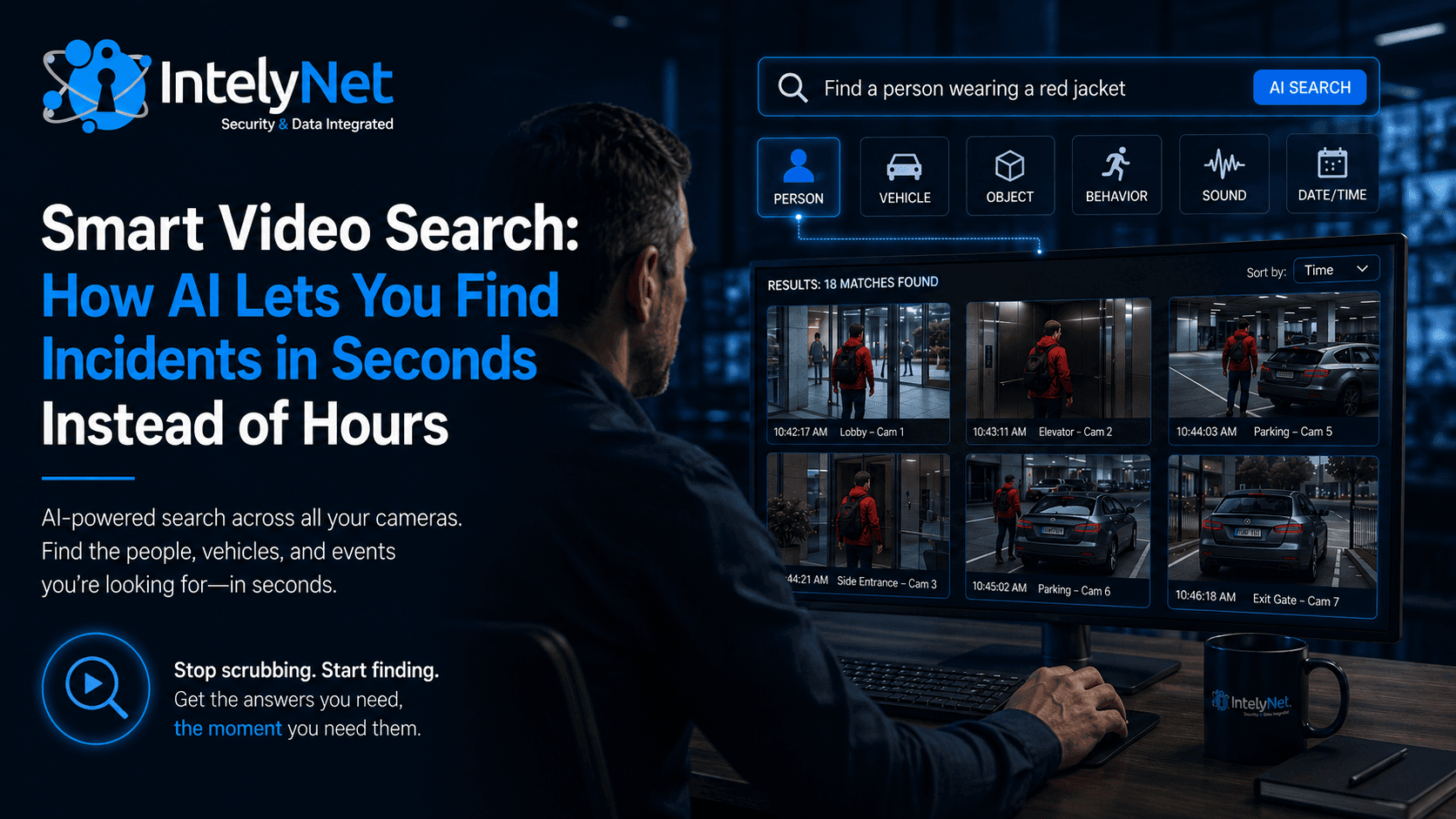
Ask anyone who has managed a building's security cameras about their worst day, and you'll hear a version of the same story: something happened, the police or an insurance adjuster or a tenant needs the footage, and someone spends the next four hours hunched over a monitor, scrubbing through recordings frame by frame, hoping to find the right thirty seconds.
That entire workflow is now obsolete. Smart video search — one of the defining capabilities of modern AI surveillance — lets you find a specific person, vehicle, or event in seconds, by describing what you're looking for instead of guessing when it happened.
Here's how it works and why it changes what your security system is actually worth.
The Problem With Traditional Footage Review
A traditional camera system records everything to a hard drive in a continuous loop. The footage is there — but it's effectively a haystack with no way to find the needle.
To locate an incident, you need to know roughly when it happened, then play back the recording from each relevant camera around that time. If you don't know the time, you're scrubbing through hours. If the event crossed multiple cameras, you're cross-referencing several feeds manually. If it happened days ago, you may be reviewing dozens of hours of recording across multiple devices.
The result is that, in practice, a lot of valuable footage never gets reviewed at all. The effort is simply too high, so incidents that could have been resolved get written off. The camera technically captured the answer — but no one could find it.
How Smart Video Search Works
Smart video search flips the model. Because AI cameras classify and tag what they capture in real time, the footage becomes a searchable database rather than an undifferentiated recording.
Instead of asking "what was recorded at 2:14 PM on camera 4," you ask the system to find what you're describing — and it surfaces every matching clip across every camera, instantly.
You can search by:
Appearance. Find every person wearing a red jacket, or carrying a backpack, or in a delivery uniform, across all cameras in a time window.
Vehicle attributes. Search by vehicle type, color, or make — every white box truck that entered the lot today, for example — or by a specific license plate.
Behavior. Surface events like loitering, running, someone entering a restricted zone, or a person moving against normal traffic flow.
Objects. Locate when a specific object appeared or disappeared — an unattended bag in a lobby, a package left at a door, equipment removed from a storage area.
Sound. Audio analytics can flag and let you search for specific sounds — breaking glass, raised voices, alarms.
A search that would have taken a security guard half a day returns results in seconds. And because it searches across the entire system at once, you see the full picture — every camera that captured the subject, in sequence — rather than piecing it together one feed at a time.
What This Actually Changes for Your Building
Smart search isn't a novelty feature — it changes the economics of what your surveillance system can do for you.
Investigations become routine instead of dreaded. When finding footage takes seconds, you actually review incidents. Package theft, parking disputes, after-hours access, vandalism, and tenant complaints all get resolved with evidence instead of guesswork.
Insurance and liability claims get stronger. Slip-and-fall claims, property damage, and liability disputes turn on what the footage shows. Being able to produce the exact clip quickly — rather than "we'll get back to you in a few days" — changes the outcome of these situations.
Law enforcement requests get faster. When police need footage of an incident, you can locate and export exactly what they need in minutes. That speed can be the difference in whether a case moves forward.
Your team's time goes back to actual work. Every hour not spent scrubbing footage is an hour your staff spends on their real job. For lean facilities and property management teams, this adds up fast.
Patterns become visible. Because you can search across time, you can spot recurring problems — the same vehicle casing the lot, repeated after-hours entry, a pattern of incidents at a particular entrance — and act before they escalate.
A Real-World Example
Picture a multi-tenant commercial building. A tenant reports that a laptop was taken from a shared conference room sometime over the weekend — they don't know exactly when.
On a traditional system, that's potentially the entire weekend of footage across every camera near that room: easily 40+ hours of review, and a strong chance no one ever does it.
With smart video search, the property manager searches the conference room and adjacent hallway cameras for any person entering that space over the weekend. The system returns a handful of clips in seconds. One shows an individual entering after hours and leaving with a bag. From there, a search of the lobby and parking cameras for that same person traces their full path in and out of the building — and captures their vehicle and plate on the way out.
What would have been an unsolvable "we'll never find it" becomes a complete, exportable evidence package in under ten minutes.
Getting It Right
Smart search is only as good as the system feeding it. A few things matter:
Camera coverage and quality: The AI can only find what the cameras captured clearly. Coverage gaps, poor placement, and inadequate resolution all limit what search can return. Good system design comes first.
The right analytics for your needs: Different buildings need different search capabilities. A warehouse leans on vehicle and license plate search; a retail space leans on appearance and behavior; a secure facility leans on facial recognition. Matching the analytics to your real use cases keeps the system focused and cost-effective.
Integration and storage: Search works best when your cameras, access control, and alarms share a platform — so an access event and the matching video are linked. And retention settings need to match how far back you might realistically need to search.
A partner who designs around your risks: The value of smart search comes from a system designed for the way your building actually operates. That's a design conversation, not a box of cameras.
The footage your cameras capture is only valuable if you can find what you need, when you need it. Smart video search is what turns a wall of recordings into answers.