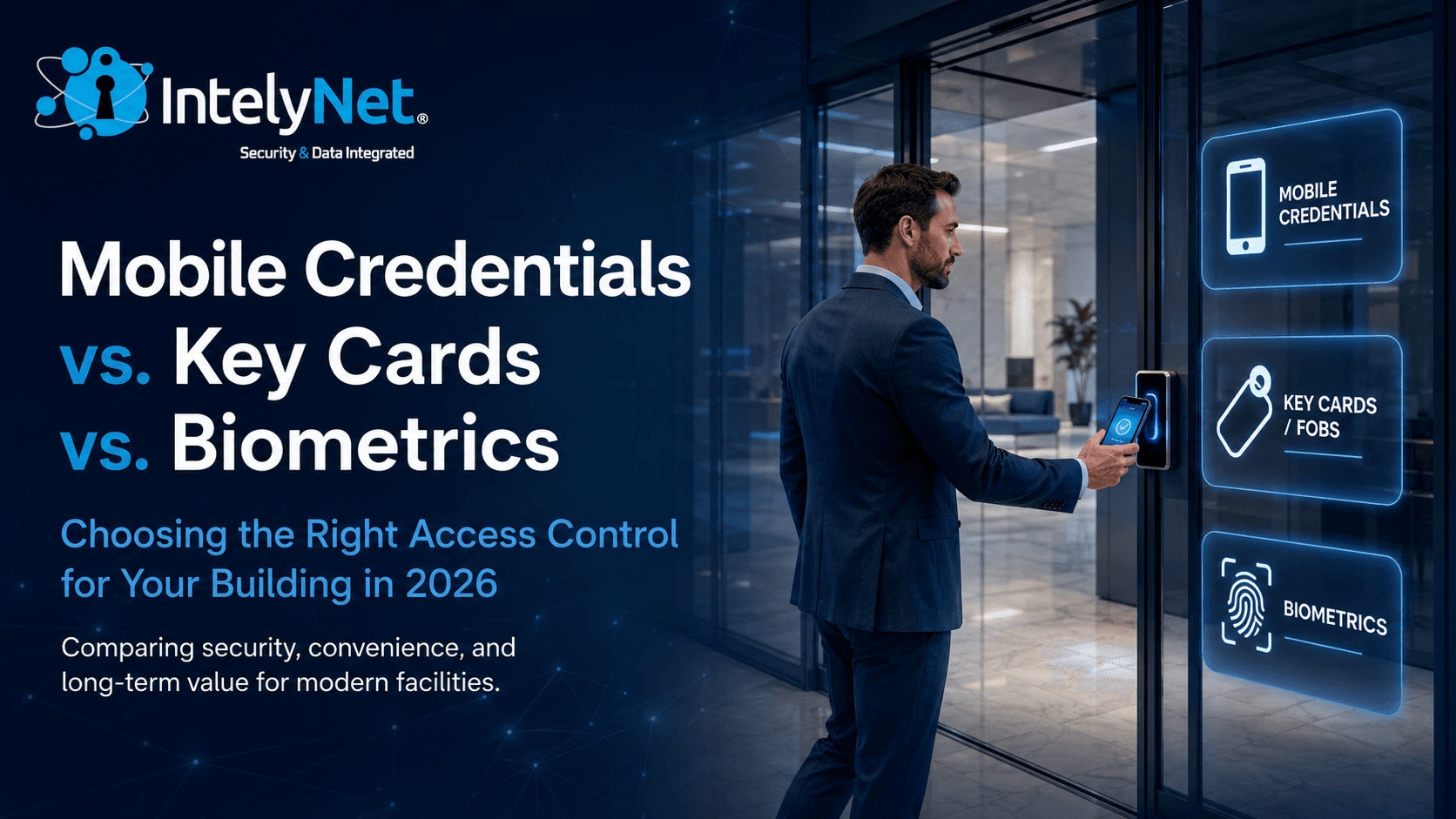
Access control used to be simple. You issued key cards, programmed them at a desktop terminal, and collected them back when someone left. That model still exists in plenty of buildings — and in many of them, it's starting to show its age.
In 2026, building owners and facilities managers have three real options for credentialing: traditional key cards, mobile credentials, and biometrics. Each comes with different tradeoffs around cost, security, user experience, and long-term maintenance.
Here's how to think through the decision for your building.
Key Cards and Fobs: The Familiar Option
Proximity cards and key fobs have been the default for commercial access control for over two decades. They're reliable, every installer knows them, and most legacy systems already use them.
Key cards still make sense in a few specific situations:
Shared or shift-based workforces. Buildings where credentials get passed between employees — warehouses, manufacturing facilities, certain healthcare environments — benefit from physical cards that can be reassigned without involving each user's phone.
Visitor and contractor access. Issuing a temporary card to a contractor for the week is faster than provisioning a mobile credential, especially if they don't want to install an app on a personal device.
Lower upfront cost per user. A blank prox card costs $3 to $8. For a building with high turnover or large credential populations, the per-credential math can favor cards.
The downsides are familiar to anyone who manages a card-based system. Cards get lost, shared, cloned, or left at home. Each replacement costs staff time. Older 125 kHz prox cards (HID Prox, AWID) can be cloned with a $20 device from Amazon in under a minute — which is why most security-conscious buildings are moving to encrypted smart cards (HID iCLASS Seos, MIFARE DESFire EV3) or off cards entirely.
Mobile Credentials: Where the Industry Is Going
A mobile credential turns the user's smartphone into their access card. The credential lives in a secure element on the phone, communicates with the reader over Bluetooth or NFC, and can be issued, revoked, or modified instantly from a cloud-based management portal.
For new installations and major upgrades in 2026, mobile credentials are increasingly the default. Here's why:
Instant provisioning and revocation. Onboarding a new employee takes seconds — an email invitation, they accept it on their phone, and they're in. When someone leaves, you revoke access from anywhere with an internet connection. No card to recover, no risk of an active credential walking out the door.
Stronger security. Mobile credentials use end-to-end encryption and are tied to the user's device and biometric unlock (Face ID, fingerprint). Cloning a mobile credential isn't comparable to cloning a prox card — it requires defeating both the platform security of the phone and the encryption of the credential itself.
Better user experience. Most people don't lose their phone the way they lose key cards. Readers with Bluetooth can detect a credential from a few feet away, so users can walk up to a door hands-free.
Lower long-term cost. No physical credentials to print, ship, replace, or recycle. Most platforms charge $1 to $4 per credential per year, but the savings on replacement cards, administrative time, and lost-card incidents typically outweigh the subscription cost within 18 to 24 months.
The main considerations: users need smartphones (95%+ of working adults, but not universal), and your readers need to support Bluetooth or NFC. Most installations done in the last 3 to 5 years are already mobile-ready or can be upgraded with reader swaps rather than full system replacements.
Biometrics: When Identity Matters More Than Possession
Biometric access control verifies who someone is, not what they have. Modern systems use fingerprint, palm vein, facial recognition, or iris scans — and AI-enhanced models have dramatically improved both accuracy and speed over the last few years.
Biometrics are the right choice in specific environments:
High-security areas. Server rooms, evidence storage, R&D labs, executive floors, pharmaceutical and life sciences spaces — anywhere a stolen card or phone would create real risk. A biometric reader makes credential sharing impossible.
Compliance-driven facilities. Healthcare environments handling PHI, financial institutions with regulatory access requirements, and government facilities often have audit and identity-verification standards that biometrics satisfy more cleanly than cards.
High-traffic chokepoints. Modern facial recognition readers can authenticate someone walking through a door at normal pace — no stopping, no card presentation. For lobbies, turnstiles, or shift-change entry points moving hundreds of people in minutes, this is a meaningful operational improvement.
Hands-free or hygiene-sensitive environments. Hospitals, food processing, clean rooms, and labs benefit from contactless biometrics (facial, iris) where touching a reader isn't ideal.
Biometric readers cost more upfront — typically $800 to $2,500 per door depending on technology — and they require thoughtful enrollment and privacy policies. In some states (notably Illinois, Texas, and now several others) biometric data is subject to specific consent and storage rules that affect how the system can be configured. A good integrator will handle this as part of the design phase.
The Hybrid Approach: What We Recommend
For most commercial and institutional buildings in 2026, the smartest deployment combines all three:
Mobile credentials as the primary credential for employees, residents, and regular users
Key cards or fobs as backup credentials and for visitors, contractors, and short-term needs
Biometrics at high-security doors, sensitive zones, and high-throughput entry points
This gives every user the most convenient and secure option for their role, while still accommodating the realities of contractors, guests, lost phones, and edge cases. A unified platform manages all three credential types from a single dashboard, with one set of access rules, schedules, and audit logs.
What to Look for in Your Access Control Partner
The system you install matters less than the integrator who installs it. Here's what separates a professional access control deployment from one that creates problems:
Open platform, not proprietary lock-in: Look for systems built on industry standards (OSDP, ONVIF for video integration) so you're not held hostage by a single manufacturer's pricing.
Integration capability: Your access control should talk to your CCTV, intrusion alarms, intercoms, and visitor management — not run as an isolated silo. Real-time activity monitoring and floor plan graphics are only useful when they unify data from across the building.
Cloud-based management with local resilience: Modern systems let you manage access from any browser, anywhere — but they should also keep working at the door if the internet goes down.
Audit trails and reporting: Detailed logs of who accessed what, when, and how aren't just for security investigations — they're often required for insurance, compliance, and tenant disputes.
Single-source accountability: When one contractor handles your access control, surveillance, intercoms, and structured cabling, every system actually works together and there's no finger-pointing when something needs attention.
The access control you install today will run your building's security posture for the next 10 to 15 years. Spending a little more on the right platform and the right installer is always cheaper than ripping out a bad system halfway through its life.