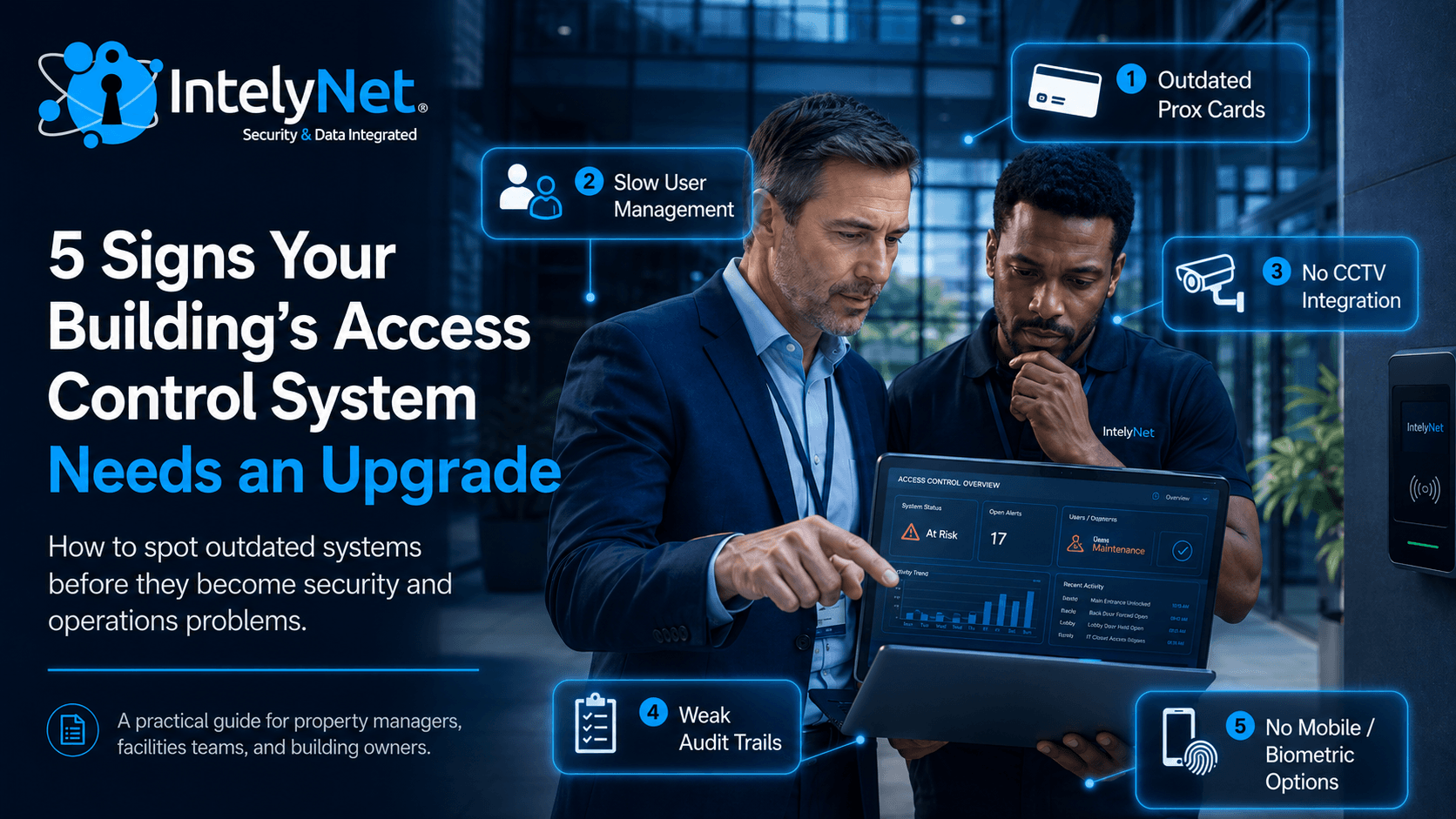
Most access control systems don't fail dramatically. They just slowly stop being able to keep up — with the building, the tenants, the threat landscape, or the way people actually work in 2026.
If you're a property manager or facilities director, the system you inherited may have been state-of-the-art when it was installed. But access control technology has moved faster in the last five years than in the previous fifteen, and a system designed around 125 kHz prox cards and on-premise software isn't doing the same job a modern platform does.
Here are five clear signs your building has outgrown its current access control — and what to do about each one.
Sign 1: You're Still Issuing 125 kHz Proximity Cards
If your readers and cards say HID Prox, AWID, or EM4100 anywhere on them, your building is running on a credential technology from the 1990s. These cards are cloneable in under a minute with a $20 device that anyone can buy online.
This isn't theoretical. Cloned prox cards have shown up in burglaries, internal theft cases, and unauthorized entry incidents across every type of facility in the Tri-State Area. If someone with a few minutes of access to a legitimate card decides to make a copy, your system won't see anything wrong when that copy is used.
What to do: Upgrade to encrypted smart credentials — HID iCLASS Seos, MIFARE DESFire EV3 — or move to mobile credentials entirely. In most cases, the reader swap can be done without changing the underlying access control software or panels, which keeps the upgrade cost reasonable.
Sign 2: Adding, Removing, or Modifying a User Takes More Than a Minute
Modern access control runs in the cloud. Onboarding a new tenant, employee, or contractor should take seconds — fill out a form, click send, they're in. Revoking access when someone leaves should happen in real time from any browser.
If your current process involves walking to a specific computer in a specific office, logging into a desktop application from 2014, navigating four menus, and then physically encoding a new card on a USB writer — your system is costing your team real time every week. And in any building with regular turnover, those minutes add up.
The bigger problem is what happens during the lag. If a terminated employee's card stays active for the rest of the day because no one has time to walk to the access control PC, that's a real security gap.
What to do: Migrate to a cloud-managed platform. Most modern systems can run alongside your existing hardware during a transition, so you don't have to replace everything at once. Look for platforms that offer mobile apps for property managers — so revoking access from a parking lot at 6 PM on a Friday is actually possible.
Sign 3: Your Access Control Doesn't Talk to Your Cameras
When someone uses a credential at a door, can you instantly see the video clip of who walked through? When an alarm trips at a delivery entrance, does the system automatically pull up the camera covering that door?
If the answer is "we'd have to go check the DVR manually," your systems are running in silos. Every modern access control platform supports integration with CCTV via ONVIF or direct manufacturer APIs — and the moment you turn it on, investigations that used to take hours take seconds.
This integration matters for more than incident response. Tenant disputes, insurance claims, slip-and-fall investigations, package theft, and unauthorized after-hours entry are all dramatically faster to resolve when access events and video are linked in a single interface.
What to do: Before replacing the whole system, find out whether your existing access control and camera systems can be integrated through middleware or a unified VMS. If they can't, that's a strong signal it's time to upgrade at least one of them.
Sign 4: You Have No Real Audit Trail (Or No One Knows How to Pull One)
Every modern access control system logs every event: every door opened, every credential used, every denied attempt, every alarm. The question isn't whether your system records this data — it's whether anyone can actually get to it when needed.
If pulling a report on "who accessed the third-floor mechanical room last Tuesday" requires calling the original installer, paying a service fee, and waiting three days — that's not a working audit trail. That's a vendor dependency.
You'll know this matters the first time you need it. Internal theft investigations, harassment complaints, OSHA incidents, and lease disputes all turn on access logs. So do insurance audits and compliance reviews for any building handling regulated industries.
What to do: Audit your reporting capability now, not when you need it. A modern system should let any authorized user generate access reports, filter by door, time, or person, and export the results — all from a web browser, without specialist help.
Sign 5: Your System Can't Support What You Actually Want to Do
Every property manager has a wish list that the current system can't accommodate:
Mobile credentials for residents or tenants who keep asking for them
Visitor pre-registration so guests don't pile up at the front desk
Vehicle access with mobile pass or windshield tags for parking garages
Biometric entry for sensitive areas — server rooms, executive suites, evidence storage
Floor plan graphics so security staff can see where alarms are triggering
Real-time activity monitoring with instant alerts for unusual events
If your current system was sold to you as "expandable" but every quoted upgrade comes back at a price that feels like buying a new system anyway — you're probably on a closed proprietary platform that's reached the end of its useful life.
What to do: Get an independent assessment. A qualified integrator will tell you honestly whether your existing infrastructure can be extended or whether starting over is actually the cheaper long-term path. Often the panels and wiring can stay, and only the head-end software and readers need to change.
When to Upgrade vs. When to Replace
Not every aging system needs a full rip-and-replace. In many cases, a phased upgrade keeps capital costs manageable while progressively modernizing the building:
Year 1: Replace readers and credentials (kill the prox card vulnerability)
Year 2: Migrate to cloud-based management software
Year 3: Integrate CCTV, add visitor management, enable mobile credentials
As needed: Add biometrics at high-security doors
The right sequence depends on your building, your tenants, and your security posture. The wrong move is doing nothing — because the gap between what your current system does and what a modern one can do is widening every year.